

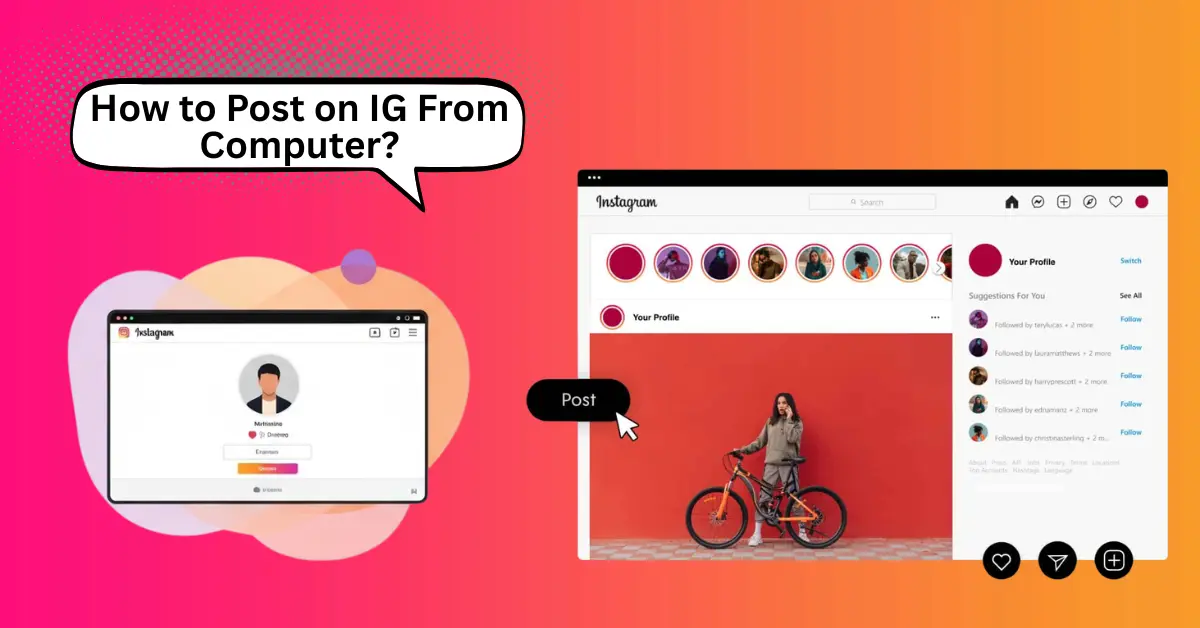
Instagram has millions of users who share photos and videos every day. Many users edit their content on a computer because it is fast and easy. However, many beginners do not know how to post on IG from computer. It is now simple because Instagram has added desktop posting features for everyone.
How to Post on IG from Computer in Details
Instagram allows users to share photos and videos from both mobile phones and computers. Many users edit images on a laptop because the screen is large and the tools are easy to use. However, many beginners do not knowhow to post on IG from a computer. The process is simple, and there are only a few steps. When users follow the correct method, they can upload posts quickly and keep the image quality clear.
Method 1. Open Instagram on a browser
- First, open a browser such as Chrome, Edge, or Firefox.
- Then go to Instagram.com.
- Log in using a username and password.
If the account login has errors, check the password and internet connection.
Method 2. Click the Create (+) Button
- After logging in, there are icons at the top of the screen.
- Click the Create (+) button.
- A new upload window appears here.
This button is the main tool for posting photos and videos from a computer.
Method 3. Select Photo or Video from Computer
- Click Select from Computer.
- Choose the file that is saved on the laptop or desktop.
Supported Image Formats
- JPG
- JPEG
- PNG
- WEBP
Supported Video Format
- MP4
If the file size is large, the upload may take more time.
Method 4. Edit the Image
- Crop the image if needed.
- Adjust brightness and contrast.
- Apply simple filters.
These editing tools are basic, but they help improve image quality before post-production.
Method 5. Write Caption and Hashtags
- Add a short caption about the photo or video.
- Use simple hashtags related to the post theme.
Example Hashtags
- #nature
- #travel
- #study
Hashtags help more people find the post.
Method 6. Share the Post
- Click the Share button.
- Then Instagram uploads the content.
When the upload is complete, the post appears on the profile page.
Advantages and Disadvantages of How to Post on IG From Computer
Many users prefer desktop posting because editing and file management are easier on a large screen. However, there are both benefits and limitations when users post from a computer. The points below give a clear view of the main advantages and disadvantages.
10 Advantages of Posting on IG from a Computer
- A large screen gives a better view for editing photos.
- A keyboard helps users write captions fast.
- File transfer is easy because images are already on the computer.
- Image quality stays clear without sending files to a phone.
- Users can manage multiple folders easily.
- There are better editing tools available in desktop software.
- Internet speed is often stable on computers.
- Users can schedule work and organize content better.
- Drag-and-drop upload makes posting simple.
- It is useful for bloggers and designers who work on laptops.
10 Disadvantages of Posting on IG from a Computer
- Some mobile features are missing on the desktop.
- Story posting options are limited for some accounts.
- There are fewer filters compared to the mobile app.
- Camera upload is not available directly from the desktop.
- Some browsers may cause upload errors.
- Video size limits may stop large uploads.
- There are fewer quick editing tools than mobile apps.
- Notifications are not as fast as on mobile phones.
- Some users find the desktop layout confusing at first.
- If the internet connection is slow, the upload takes more time.
Conclusion
Instagram has made desktop posting simple for beginners and regular users. It is easy to upload photos and videos from a computer when users follow the correct steps. A large screen gives better control for editing, and the keyboard helps users write captions fast. There are a few limits compared to mobile features, but the main posting tools work well. When users keep images ready and check file formats, they can share content quickly and clearly from a computer.
FAQs About How to Post on IG From Computer
Here are some questions about how to post on ig from a computer in a simple way for beginners.
Can users post on IG from a computer without a phone?
Yes, users can post directly from a computer by logging into Instagram on a web browser.
How does a user upload photos from a computer?
The user opens Instagram on a browser, clicks the Create (+) button, selects a file, writes a caption, and clicks Share.
Which image formats work best for desktop posting?
JPG, JPEG, PNG, and WEBP formats work well for photo uploads.
Can users upload videos from a computer?
Yes, users can upload videos in MP4 format using the same Create button.
How many photos can users upload in one post?
Users can upload multiple photos by selecting more than one image during upload.
Can users edit photos on Instagram desktop?
Yes, Instagram gives basic tools such as crop and filters for simple editing.
Why does the upload sometimes fail on a computer?
The upload may fail if the file size is large, the format is not supported, or the internet connection is slow.
Can users post reels from a computer?
Yes, users can upload reel videos if the video format and size meet Instagram requirements.
Where does the post appear after uploading?
The post appears on the user’s profile page after sharing.
How can users improve upload quality from a computer?
Users should use high-resolution images and supported formats like JPG or PNG.
